You can check your UAE Golden Visa status online in a couple of minutes, and it costs nothing. If you applied in Dubai, you track it through GDRFA. If you applied in any other emirate, you use ICP Smart Services. Either way, you get to see whether your application is under review, approved, or waiting on a document.
The steps below cover both portals, the phone app most people find easiest, what each status message really means, and how long a Golden Visa normally takes so you know when a quiet status is worth chasing.
Which portal do you use, ICP or GDRFA?
The UAE runs two separate immigration systems, and the one you need depends only on where your application was filed.

If your Golden Visa was filed in Dubai, it sits with the General Directorate of Residency and Foreigners Affairs, or GDRFA. If it was filed in Abu Dhabi, Sharjah, Ajman, Umm Al Quwain, Ras Al Khaimah, or Fujairah, it sits with the Federal Authority for Identity, Citizenship, Customs and Port Security, or ICP. ICP was previously called ICA, so some older links still point to that name.
| Where you applied | Portal to use |
| Dubai | GDRFA (gdrfad.gov.ae) |
| Abu Dhabi, Sharjah, Ajman, Umm Al Quwain, Ras Al Khaimah, Fujairah | ICP Smart Services (icp.gov.ae) |
This one detail causes more confusion than anything else. Put your details into the wrong portal and you get a “no record found” message, which looks alarming even when your application is perfectly fine. If you are not sure which emirate handled it, look at your entry permit or the receipt from your typing centre. The issuing authority is printed there.
What you need before you check
Have these ready and the whole thing takes a minute:
- Your application or request number. This is on the receipt, SMS, or email you received when the application was filed. Your typing centre or PRO may call it the request number or PRAN, so ask them for it if you do not have it.
- Your passport number and nationality. These let you check a visa that has already been issued and confirm its expiry date.
- The email used on the application. GDRFA Dubai often asks for this to pull up your file.
- There is one distinction worth holding onto. While your visa is still being processed, the application number is the thing that shows movement. Once the visa is issued, your passport number alone is enough to confirm it is valid.
How to check on ICP Smart Services (all emirates except Dubai)
If you applied outside Dubai, here is the direct way to track your Golden Visa.

- Go to the ICP Smart Services portal at smartservices.icp.gov.ae, or open the ICP application tracking tool straight away.
- Switch the language to English in the top corner if you need to.
- Open Application Tracking, sometimes shown under E-Services or Public Services.
- Enter your application or request number.
- Add your nationality and the security code on screen.
Select Search. Your current status shows right away.
If the visa has already been issued and you only want to confirm its validity and expiry, use the File Validity service on the same portal and enter your passport number and nationality instead. Logging in with a UAE Pass account pulls up everything at once, but the guest tracking option works fine if you just have the application number.
How to check a Dubai Golden Visa on GDRFA
If you applied in Dubai, track it through the GDRFA portal.
- Open the GDRFA Dubai application status tracker.
- Enter the reference or application number from your receipt.
- Add the email or passport details you used when applying, plus your date of birth if the form asks.
- Enter the security code and select Submit.
Your Dubai visa status then appears on screen. GDRFA also offers the same check through its own app and at Amer service centres, which is handy if you would rather sort it out in person.
Check it from your phone with UAE Pass
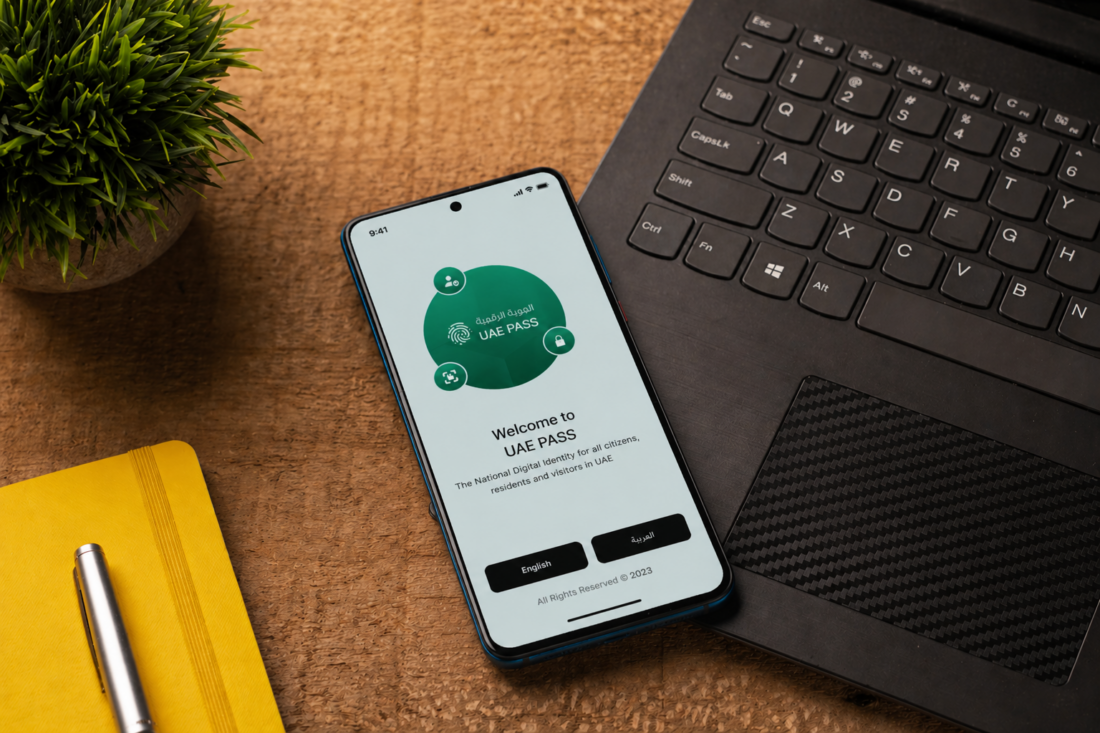
For most people the phone is the fastest route. Download the free UAEICP app from the App Store or Google Play and log in with UAE Pass, the country’s national digital ID. Once you are in, the app shows every visa, entry permit, and Emirates ID linked to your passport on a single screen, and it sends a push notification the moment your status changes. That saves you refreshing the website every few hours. It also holds your digital Emirates ID, which you can add to your phone wallet and use at banks and government counters. Dubai applicants can do all of this through the GDRFA app.
What each status message means
The portals use plain labels, and it helps to know what each one is asking of you. Here is what you are most likely to see and what to do next.
| Status | What it means | What to do |
| Under process / Under review | An officer is reviewing your file. | Wait. This is normal, especially for a Golden Visa. |
| Additional documents required | Something is missing or needs to be clearer. | Send the requested document quickly so the file keeps moving. |
| Approved | The decision went your way. | For an entry permit, download the PDF. For residency, move on to the medical test and Emirates ID. |
| Payment pending | A fee has not been settled yet. | Pay it through the portal so the application can proceed. |
| Rejected | The application was turned down. | Ask for the reason in writing, then fix the issue or reapply. |
A Golden Visa often stays on “under process” longer than a normal residence visa, because these applications go through an extra layer of checks. That is expected, and on its own it is not a sign of trouble.
How long a Golden Visa normally takes
Knowing the usual timeline tells you when a silent status is fine and when it is worth a phone call.
A standard UAE residence visa clears in about three to five working days. A Golden Visa takes longer because it involves eligibility checks, security clearance, and approvals tied to your category. For most applicants the decision lands within two to four weeks. Property investors with complete paperwork often move faster, sometimes in five to ten working days, while categories that need a nomination or endorsement can stretch to around six weeks. After approval, activation adds a few more days for the medical test, Emirates ID, and health insurance.
| Stuck? If your status has not moved for more than ten working days and no email has arrived, call the authority rather than assume the worst. ICP is on 600 522222. GDRFA Dubai is on 800 5111 inside the UAE, or +971 4 313 9999 from outside the country. |
Why you might see “no record found”
An empty result usually does not mean your visa was cancelled. The common causes are easy to fix.
- Wrong portal. A Dubai visa checked on ICP, or a non-Dubai visa checked on GDRFA, returns nothing. Switch to the other one.
- A typo. One wrong digit in the application or passport number stops the search. Re-enter it slowly.
- Checked too early. If the file was only just submitted, the status may not have loaded yet. Try again in a few hours.
- Mismatched details. Using a different email or phone number than the one on the application can hide the record.
- Never actually filed. Once in a while an application is paid for but not submitted. If nothing shows after a week, ask whoever filed it for the ICP or GDRFA reference to confirm it went in.
What happens after approval
Once your status reads approved, a few steps finish the process. You complete a medical fitness test, give your fingerprints and photo for biometrics, and your ten year Emirates ID is issued. Valid health insurance is required for the full period of the visa. Your digital Golden Visa becomes available straight away through UAE Pass and the UAEICP app, so you can start using it before the physical stamp and card arrive.

From there you can sponsor your family, open accounts, and travel in and out of the country without a local sponsor. It is worth saving a copy of the approval, since a printout can help at an airport or counter on the rare occasion a system is down.
Frequently asked questions
Can I check my Golden Visa status by passport number?
Yes, once the visa is issued. Use the File Validity service on ICP, or the GDRFA Dubai tracker, and enter your passport number and nationality to see the status and expiry. While it is still being processed, use your application number instead.
Is checking my Golden Visa status online free?
Yes. Tracking your application on ICP or GDRFA, and on the UAEICP app, costs nothing. You only pay official government fees for the visa itself and related steps such as the Emirates ID and medical test.
How long does a UAE Golden Visa take to process?
Most applications are decided within two to four weeks. Property investors with full paperwork can be quicker, and nomination based categories can take up to six weeks. Contact the authority if there is no movement after ten working days.
What does “under process” mean on my Golden Visa?
It means an officer is reviewing your file. For a Golden Visa this stage often lasts longer than a standard visa because of the extra eligibility and security checks. It is normal and not a sign your application will be refused.
I applied in Dubai but ICP shows no record. Why?
Dubai visas are handled by GDRFA, not ICP, so ICP will always show nothing for them. Check the GDRFA Dubai tracker instead. Using the wrong portal is the most common reason for an empty result.
Conclusion
Checking your Golden Visa status is quick once you use the right portal: GDRFA for Dubai, ICP Smart Services for every other emirate, or the UAEICP app with UAE Pass for either. Keep your application number handy while it is in process, and switch to your passport number once the visa is issued. A good result is a clear approved status, followed by your medical test, Emirates ID, and a digital visa you can use right away.
Recommended Articles:
What You Need For a 2-Year UAE Property Visa?
DLD Fee Benefits For AED 2 Million Property Investors
Property registration costs for first-time property buyers in the UAE,
How to Get a UAE Golden Visa Through Property Investment (2026 Guide)
How Long Does the Golden Visa Last for Property Investors in UAE?